Credit card bill
Every month · remind me before it is due
Your external memoryLess to carry
Capture a bill, renewal, follow-up, or idea once. PlanCraftAI turns it into a task, remembers the next time, and brings it back when it matters.
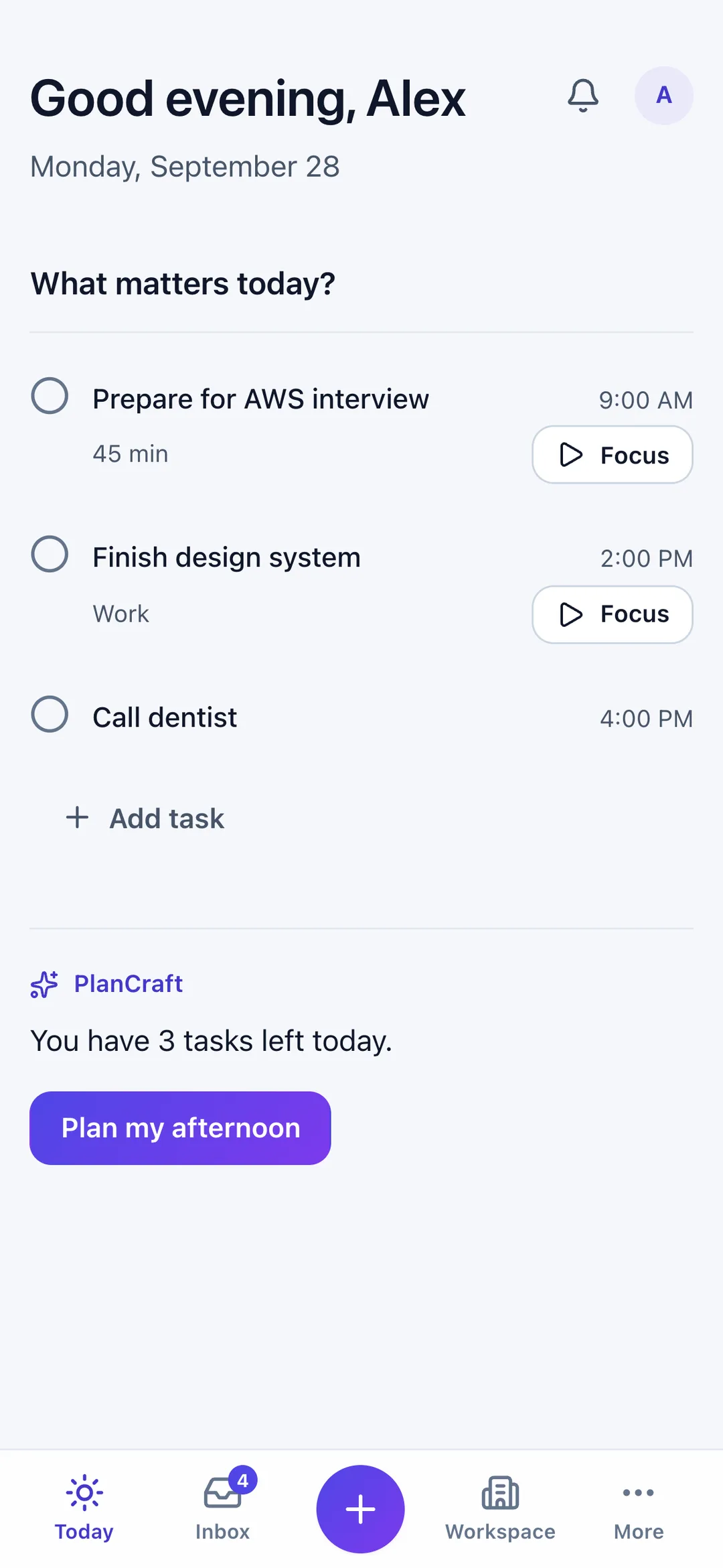
The problem isn't motivation
The credit-card bill. The annual renewal. The follow-up you meant to send. Important things disappear when remembering them becomes another thing to remember.
Every month · remind me before it is due
Once a year · bring it back before it becomes urgent
Next Tuesday · keep it out of my head until then
How it works
Turn a passing thought into a reliable reminder in seconds.
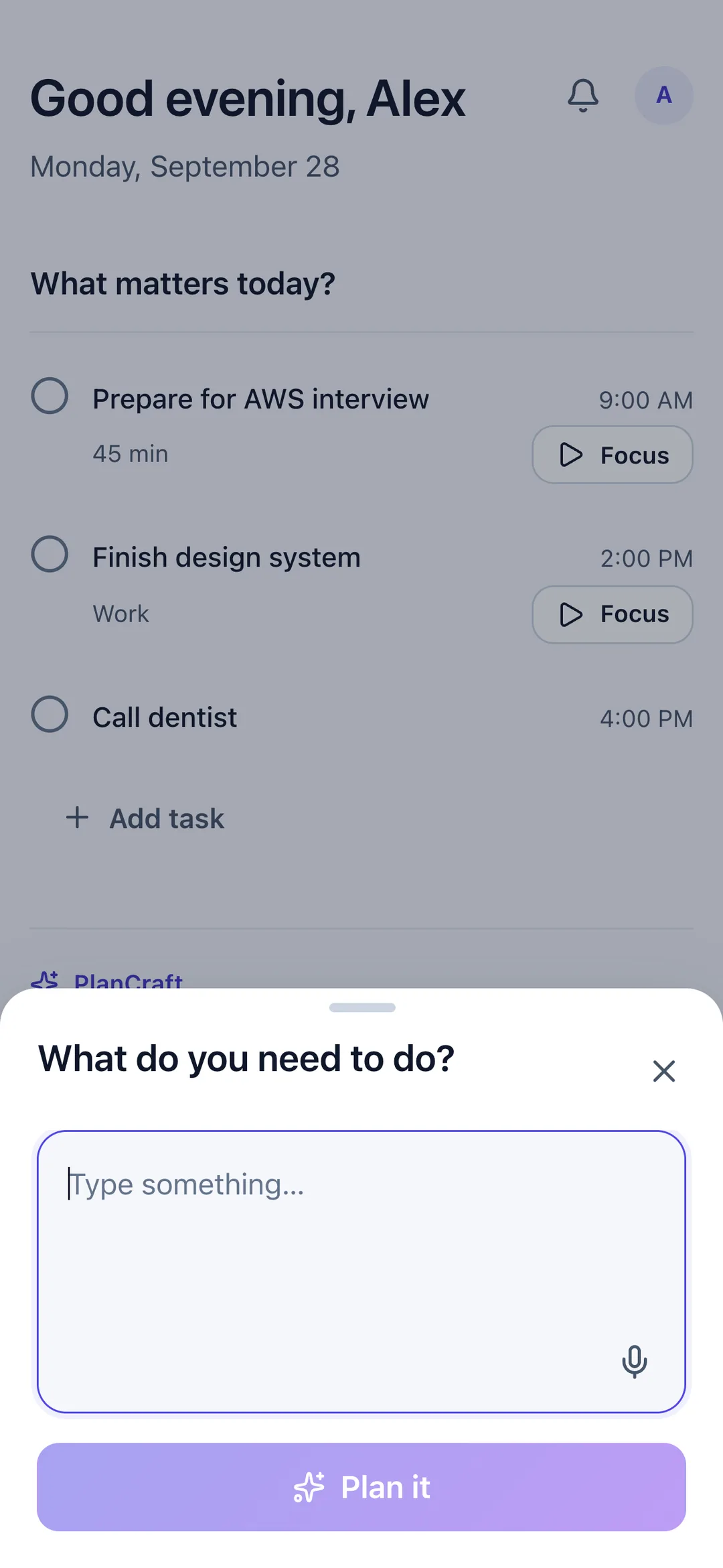
“Remind me every month to pay my credit card bill five days before it is due.”
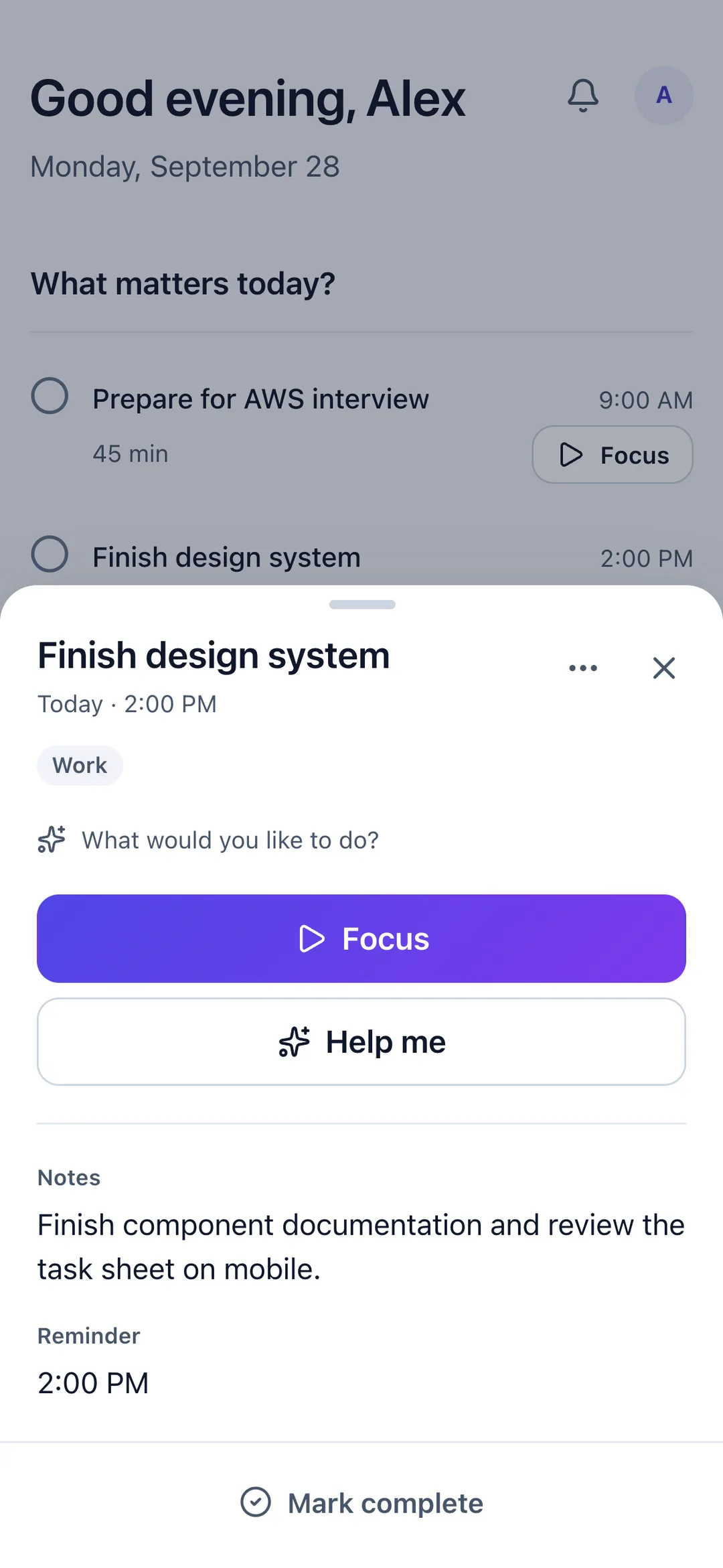
AI turns your words into a task with the right time, recurrence and reminder already attached.
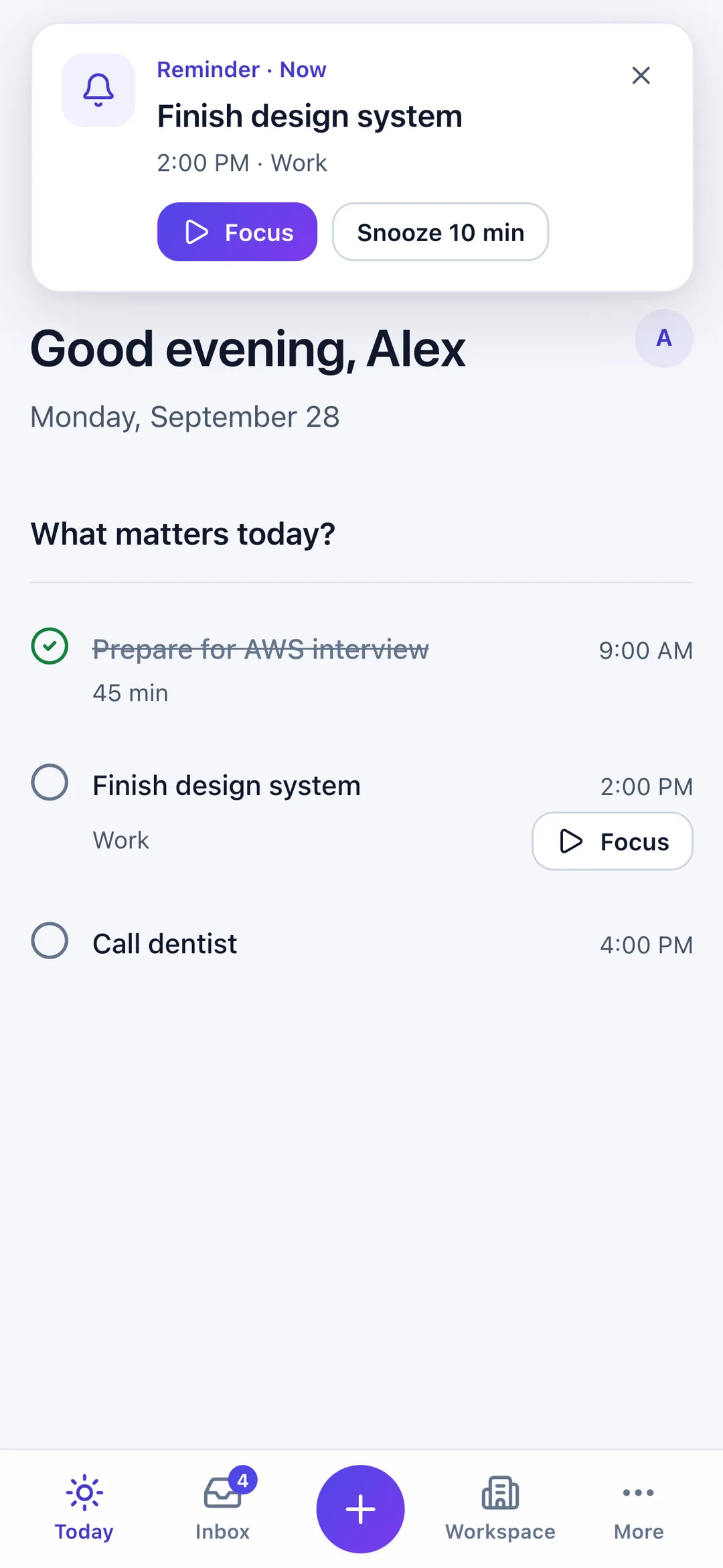
The reminder returns on your list and through your chosen channels, so the obligation is not living in your head.
Start with the problem you have
Choose a starting point and see how PlanCraftAI fits into the way you already work.
Start with a clear schedule built around priorities, meetings, and realistic time blocks.
Explore ai daily planningSpeak naturally, then let PlanCraftAI turn the input into structured tasks, due dates, and reminders.
Explore voice task creationSync meetings, block focus time, and get AI-prepared recaps linked to your calendar.
Explore google calendar integrationCreate reminders from spoken input and follow up across push, WhatsApp, or recap-style nudges.
Explore voice reminder appKeep recurring obligations and important follow-ups visible, so remembering is no longer the work.
Explore bills, renewals & follow-upsGet a next best action, live research with citations, and practical context without leaving the task you are trying to finish.
Explore task intelligenceEverything you need
Capture, schedule, repeat, and follow through without keeping the whole system in your head.
Turn speech into tasks instantly.
Break work down and plan a realistic day.
Get nudged before important things slip away.
Fit tasks around your real schedule.
Stay on one task and build real progress.
Research and next steps for any task.
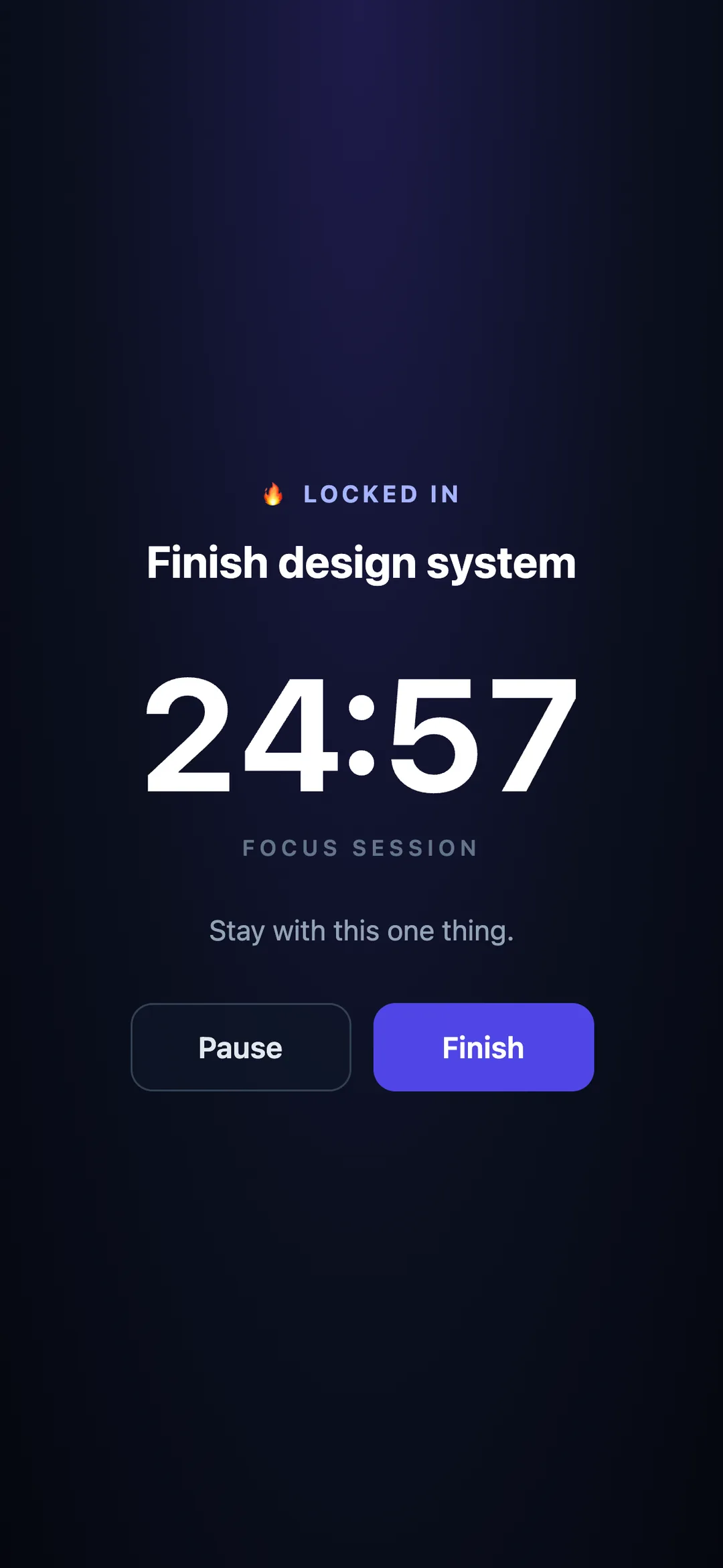
Focus mode
Start a focus session on any task. PlanCraft clears everything else off the screen so it's just you and the one thing that matters.
AI task help
Tap Help on any task and PlanCraft works from what it already knows about it: breaking it down, suggesting where to start, or setting up a focus session.
Premium Intelligence
Your task becomes the context. PlanCraft suggests a practical next move, opens the right capability, or lets a research agent bring back current, source-backed information.
Next best move
Turn “I need to prepare” into a first action, a short checklist, or a focused work session.
Live research
Ask a specialist agent to research companies, markets, technology, or any use case you define—with cited sources.
Real-world actions
Open directions, set a reminder, start Focus, or prepare the next step. External actions stay under your control.
You decide what PlanCraft can access and connect.
Simple pricing
Everything you need to get started.
$0
More AI, reminders and integrations.
$5/ month
$5/month on the web. Web and PWA access stays in sync across your devices. Planning with a team? See workspace plans.
FAQ
PlanCraftAI is built for people who capture work in fragments. It combines voice task capture, AI daily planning, calendar sync, and smart reminders so spoken thoughts become real follow-through.
An AI daily planner takes your tasks, timing, and calendar context, then helps you decide what deserves attention first. PlanCraftAI adds voice input, due-date parsing, and reminders so the plan stays useful after the morning.
Yes. PlanCraftAI works as a voice reminder app and recurring reminder system, sending smart nudges, follow-ups, and recap-style reminders tied to real tasks.
Use them for bills, subscriptions, renewals, medication, maintenance, routines, and follow-ups. Capture the obligation once, choose when it repeats, and let PlanCraftAI bring it back when it matters.
No. Recurring tasks are designed for obligations that come back. Set the cadence once, then complete each occurrence as it appears on your list.
Yes. You can sync Google Calendar, place tasks around meetings, and keep prep reminders tied to the schedule you already work from.
Task Intelligence uses the task you are already looking at to suggest a practical next move. Depending on the task, PlanCraftAI can help you start a focus session, set a reminder, open directions, break work into steps, or ask a live research agent for current context.
Yes. Premium Intelligence agents can research public web sources when you ask, return a concise answer with citations, and clearly separate current evidence from interpretation. Research does not run automatically when you open a task.
PlanCraftAI can open helpful capabilities such as Google Maps, Focus, and reminders. External actions stay user-controlled, and integrations that create, send, or change something require your approval.
Yes. Start planning right away and create tasks before making an account. When you want your plan saved and synced across devices, sign in and everything you created comes with you.

PlanCraftAI
Capture. Plan. Focus. Get it done.
Capture it once and let PlanCraftAI carry the follow-up.